Hiring software built for growing teams

Simple hiring software for small businesses


LessHire candidates
LessHire lets you easily post job openings, review applicants, and simplify your hiring process—all in one place

Loved by businesses all over the world

"I was delighted to find LessHire, a simple-to-use ATS that handles much of the screening and application process, freeing my time to review candidates all in one website. It lays out the hiring process so I don't have to think through the steps, automating and organizing each step for me.."
Kevin W. McCarthy


Easy Setup, Smooth Hiring
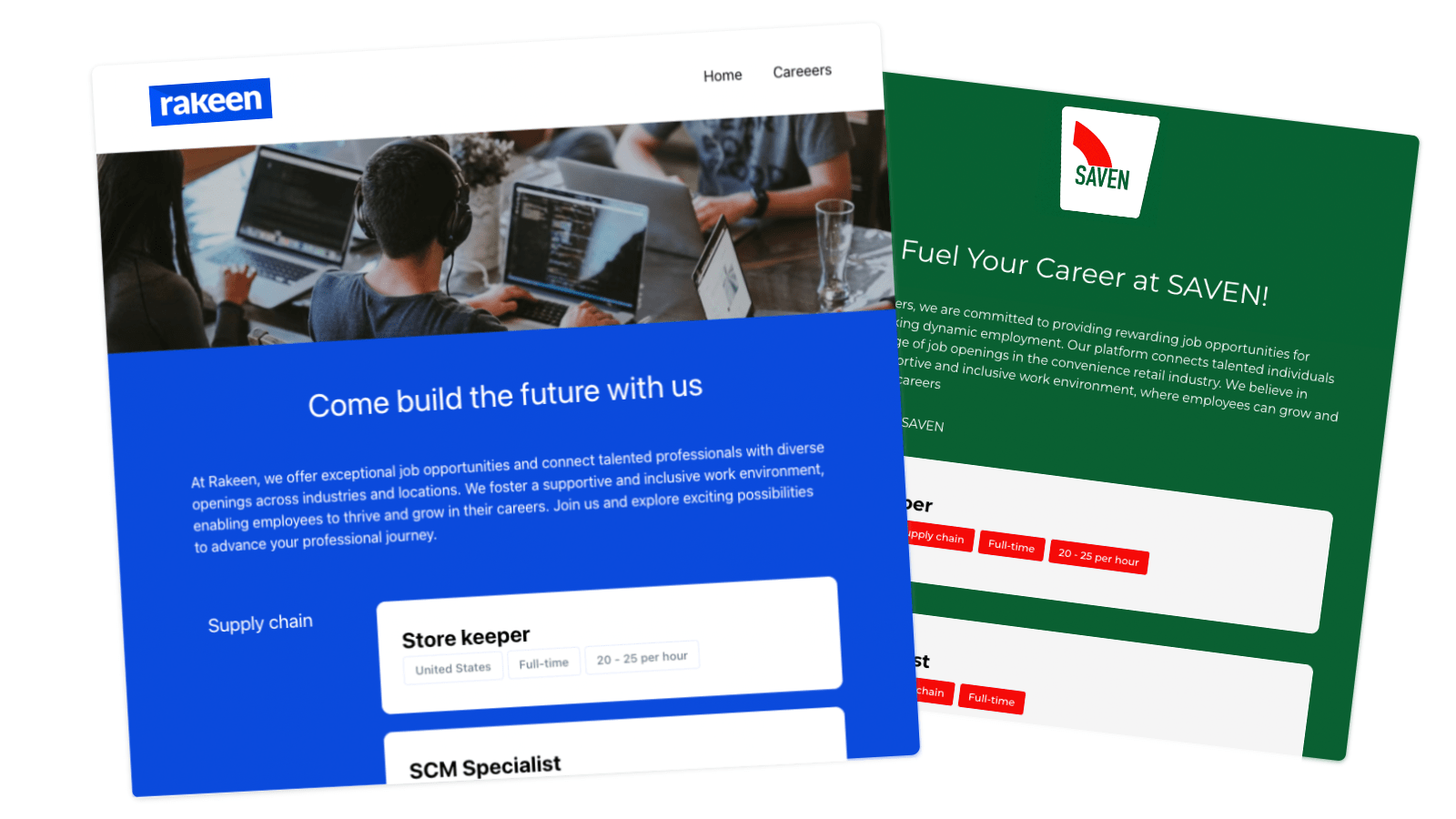
Your Careers Site
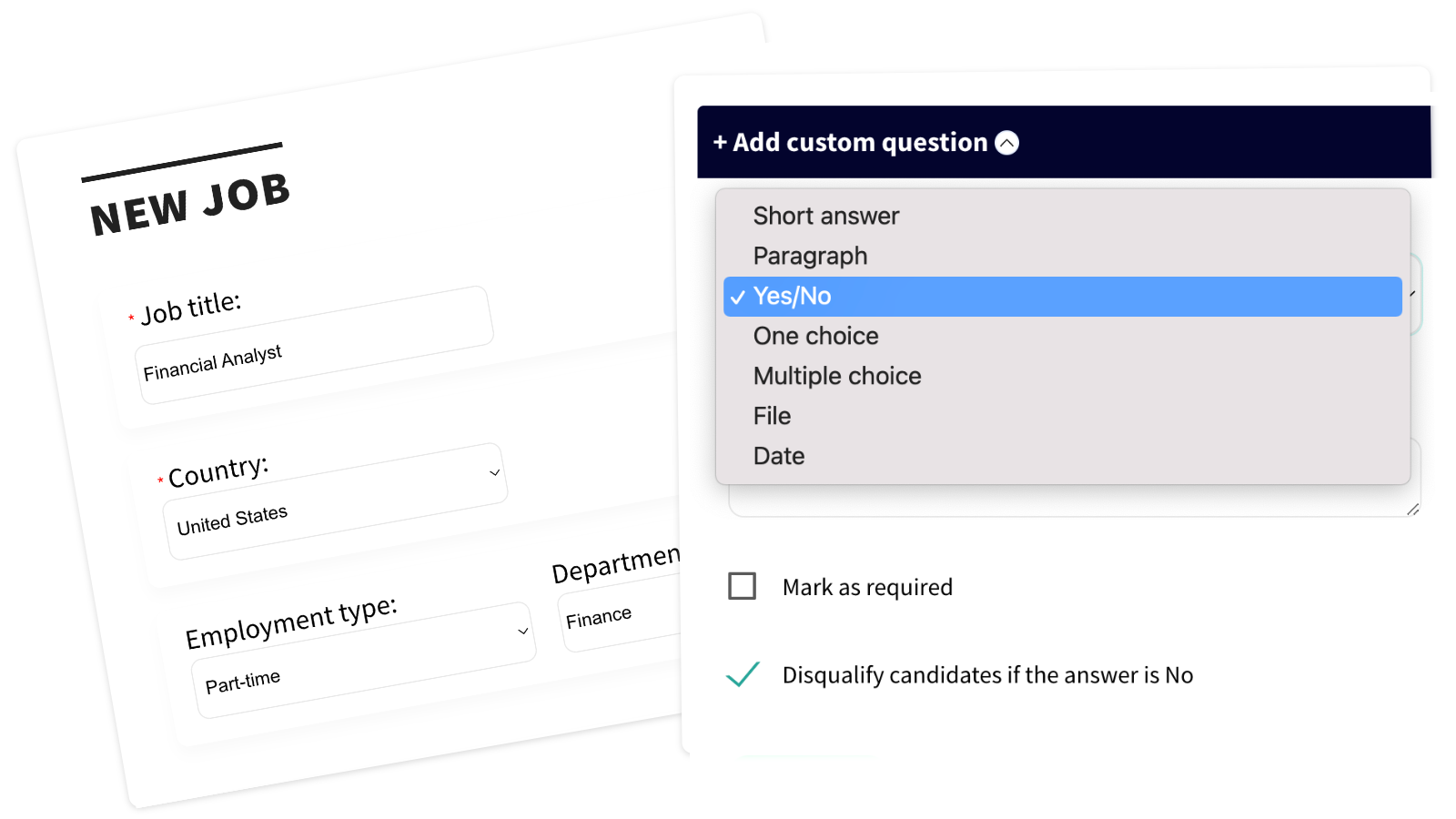
Create your own careers page to post jobs, add questions, and sort applicants easily
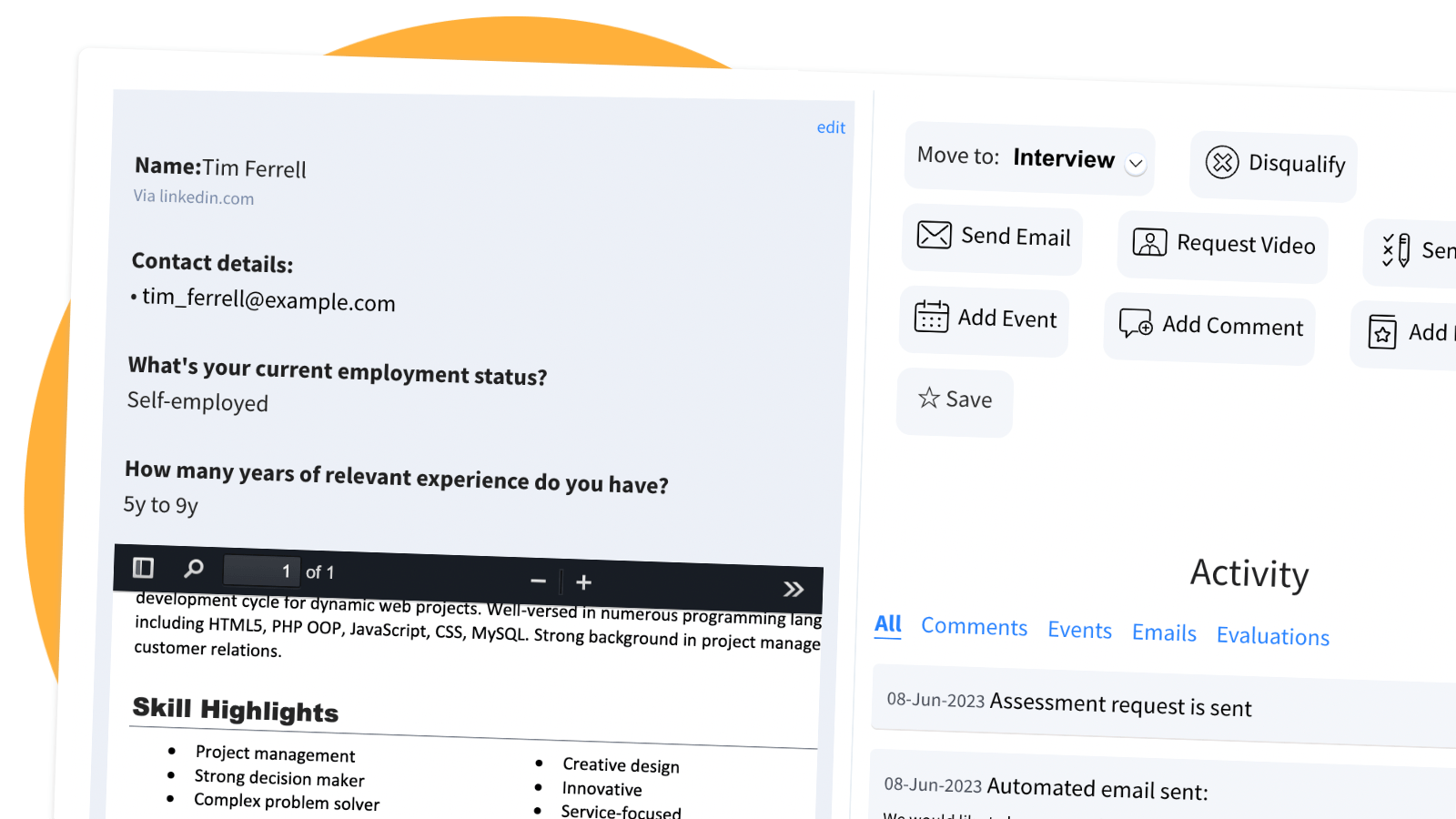
Review Applicants Easily
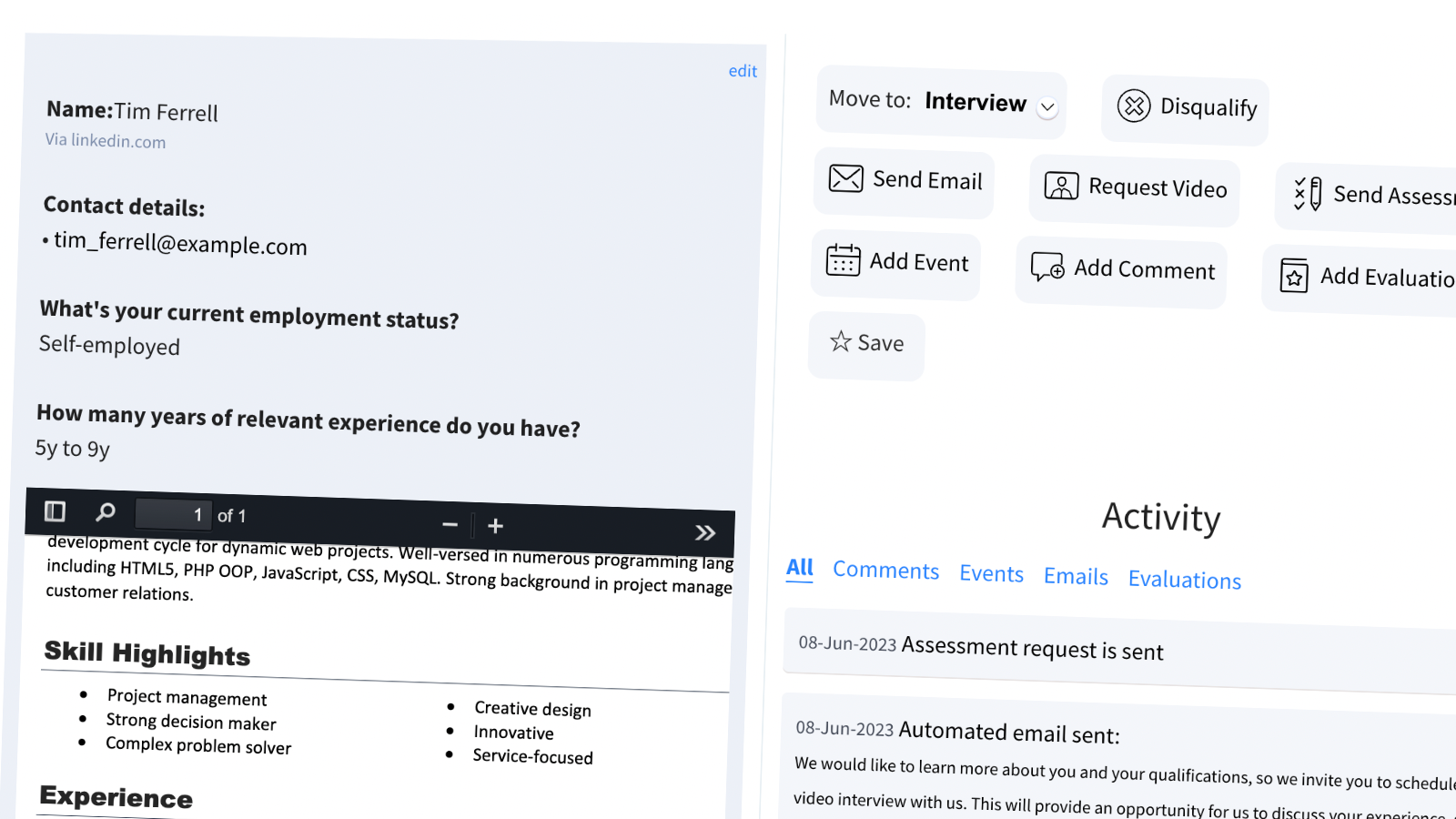
Send emails, schedule interviews, reject applicants, and manage everything in one place
Skills Tests
Test candidates’ skills using ready-made tests or create your own
Video Interviews
Request one-click video responses or automate video interviews
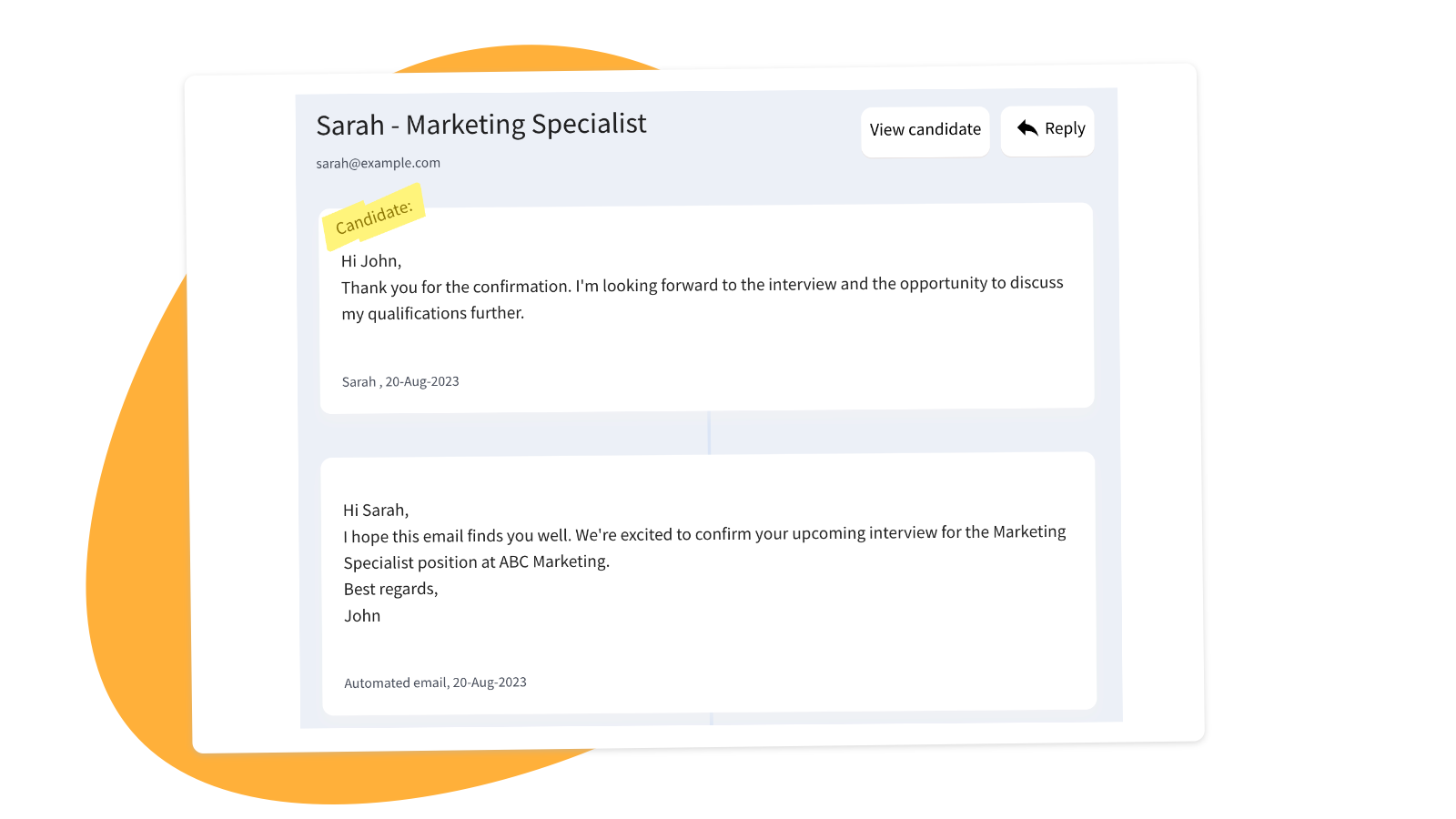
Email Candidates
Send and receive candidate emails, attachments included
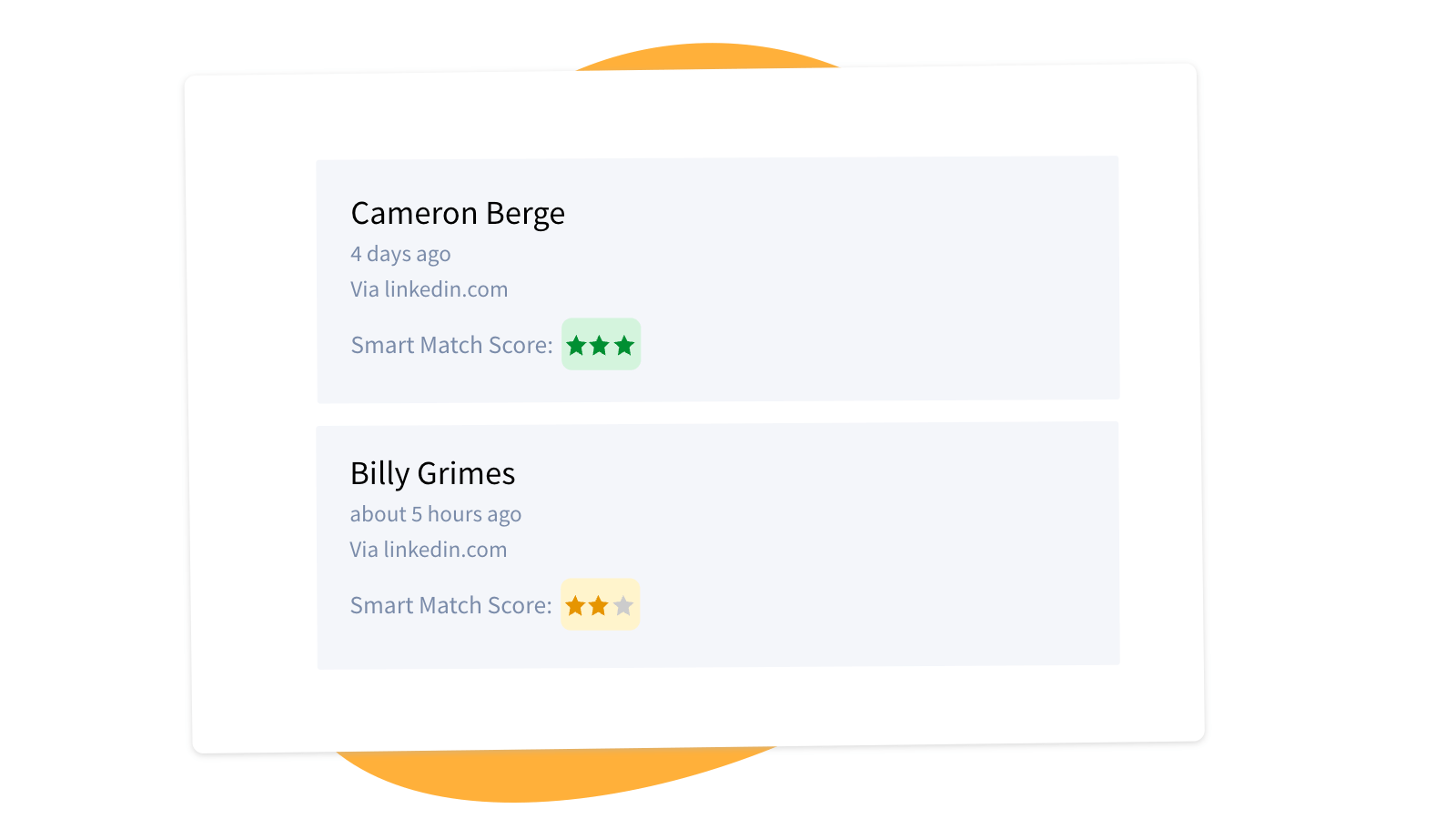
AI Smart Match
Let Smart Match rank applicants and highlight the best matches for your job


What you will get?


Branded Careers Site
Create a beautiful, branded careers site in minutes. No hassle, no code
Auto Disqualify
Set up Yes/No questions to automatically filter out unqualified applicants
Automated Emails
Easily send confirmations, rejections, and more with automated email templates


Interview scheduling
A shared team calendar for interviews and events
Evaluation form
Use custom questions to evaluate applicants with your own evaluation form
LessHire Inbox
All candidate messages and attachments in one place


Q&A
What is LessHire?
LessHire is a software that helps you create job postings, receive applications, and screen candidates—all in one place
What are the steps to start using LessHire?
  1. Get Your Careers Site
    When you sign up, we instantly generate a branded Careers Site for your company to post jobs and accept applicants

  2. Create a Job Posting
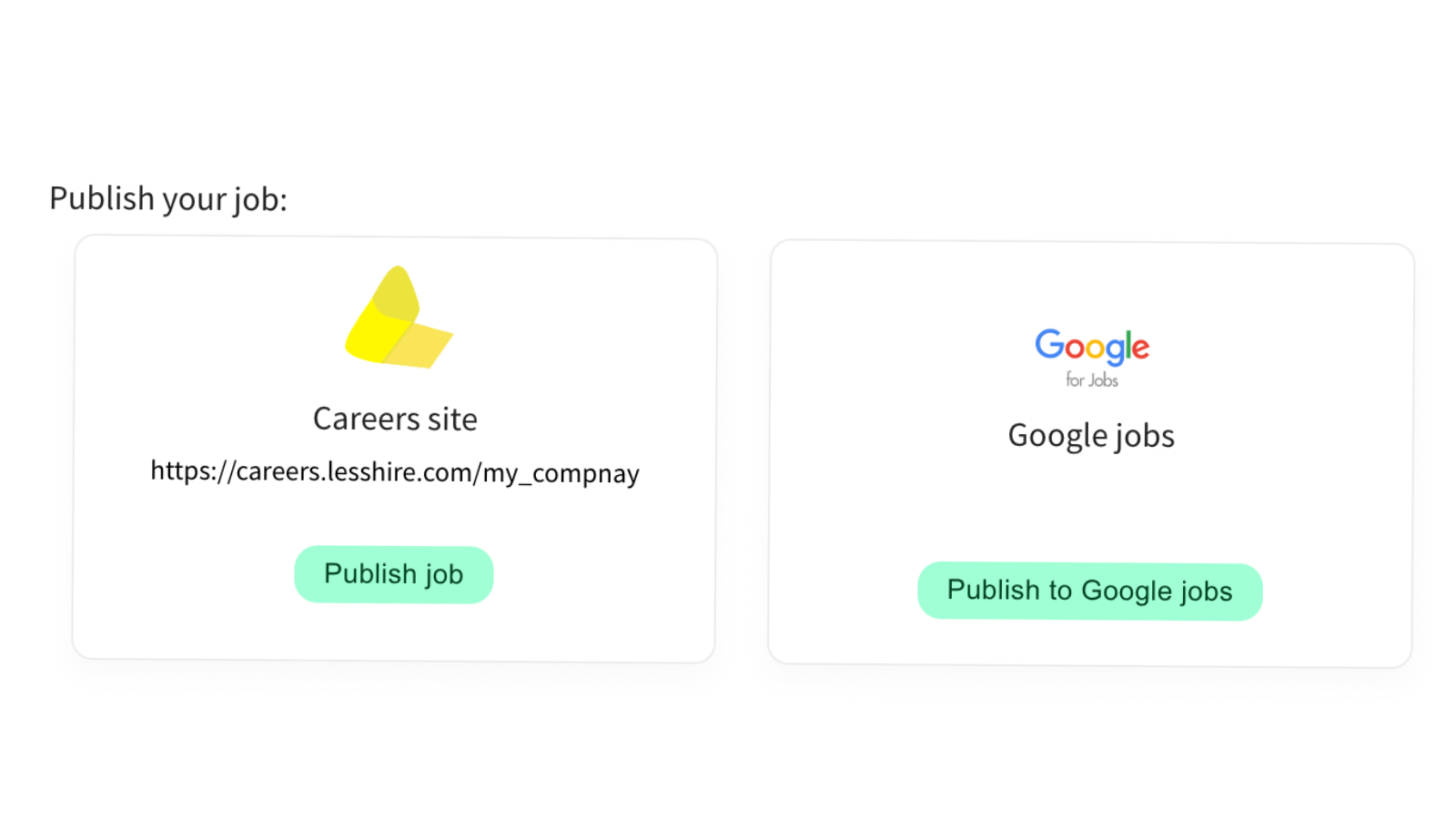
    Write and publish your job listings to your Careers Site

  3. Announce the Openings
    Share the job link anywhere—your website, social media, or job boards

  4. Review & Manage Applicants
    As applications come in, you can screen, email, schedule, and evaluate—all in one place.

What features does LessHire offer?
  • Send emails to candidates automatically or manually
  • Request video responses to your questions
  • Skills Test to evaluate candidate abilities, such as customer service skills
  • Use the Evaluation tool during interviews or phone calls
  • Schedule events like interviews and share details with your team
  • And more!
Can I receive emails from candidates?
Yes. Candidates can reply you directly in your LessHire Inbox, or respond to your email if you set it as the reply-to address