Tour
A quick walkthrough of the LessHire workflow, from careers site to reviewing candidates
Try the product
Candidate experience
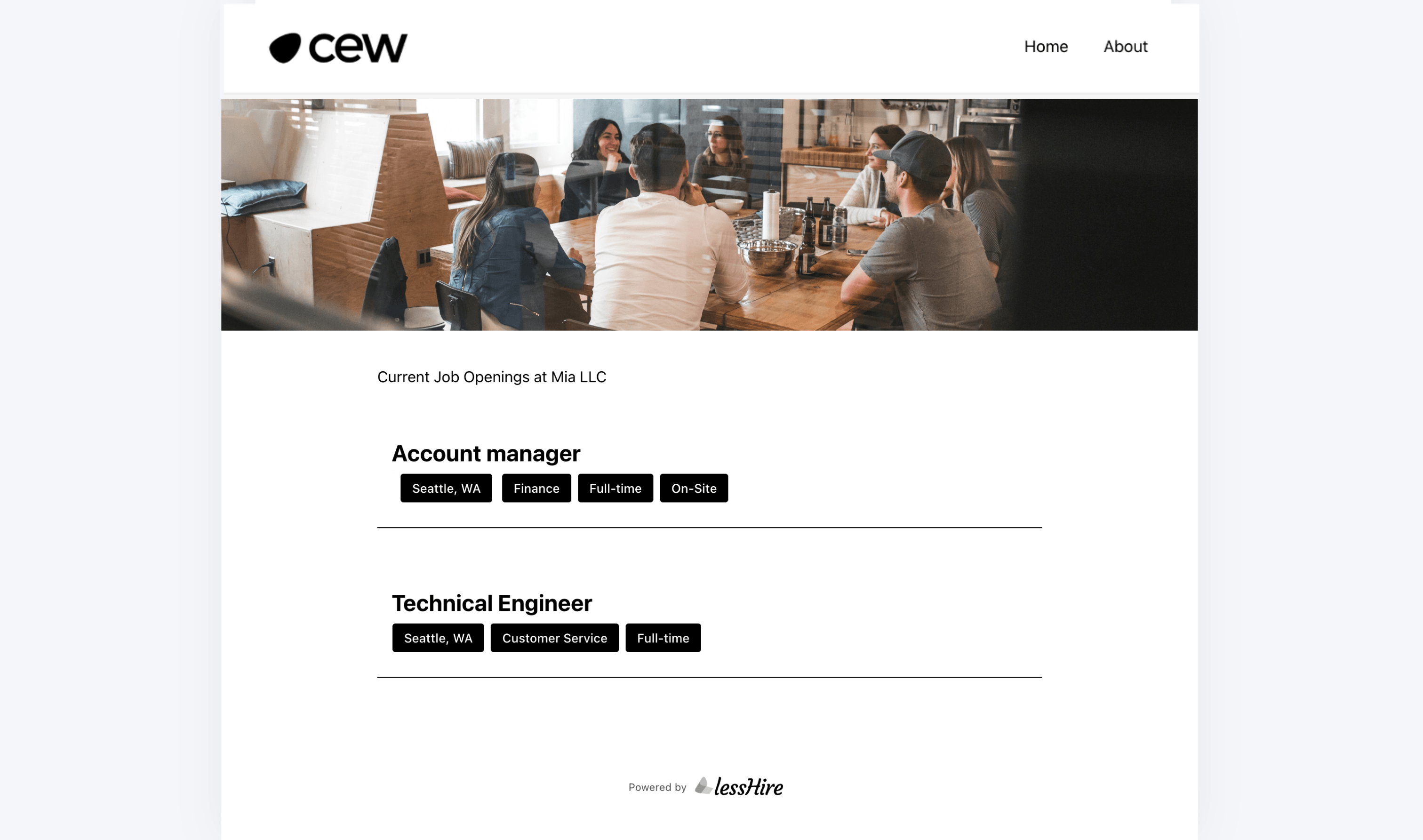
Your careers site, ready from day one
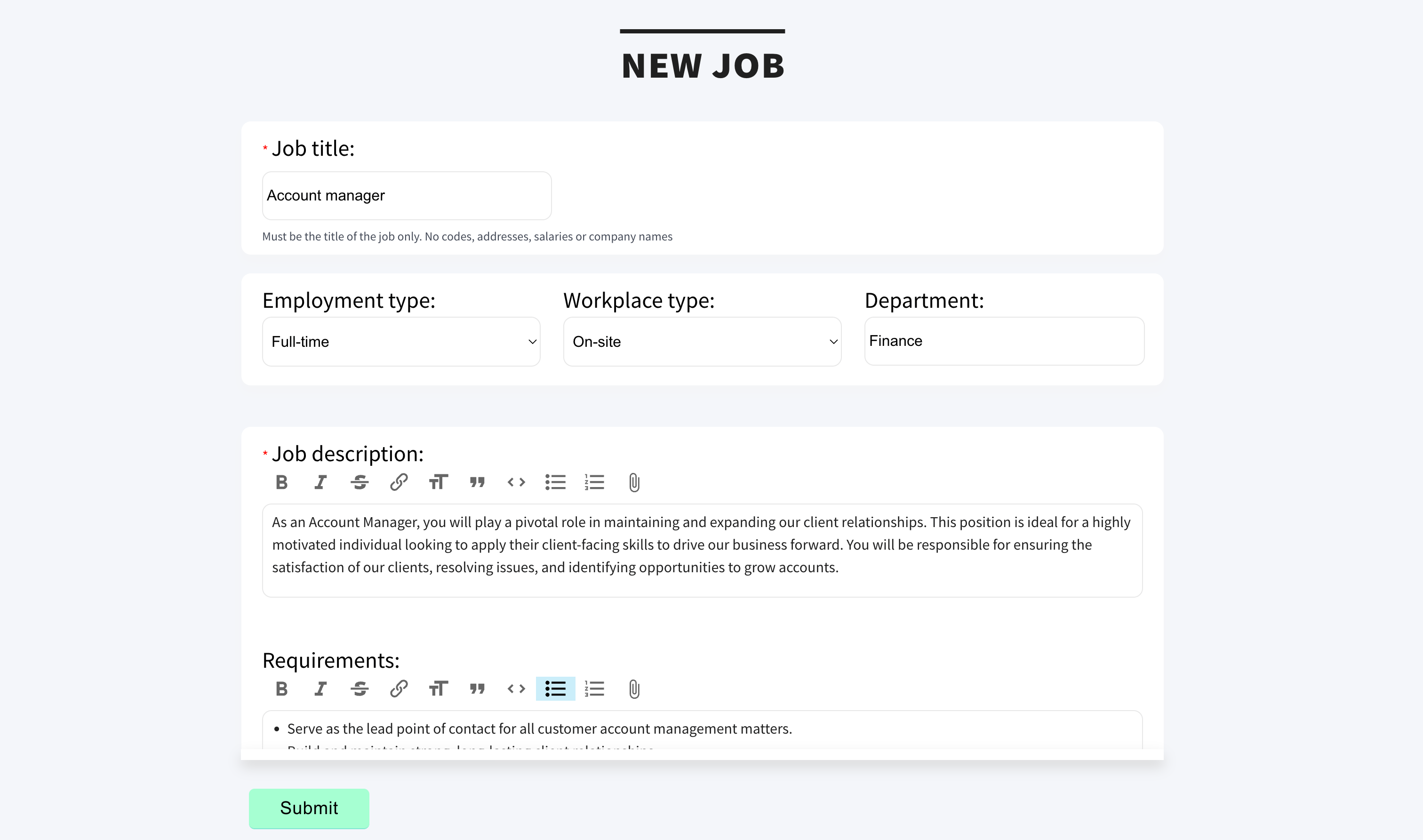
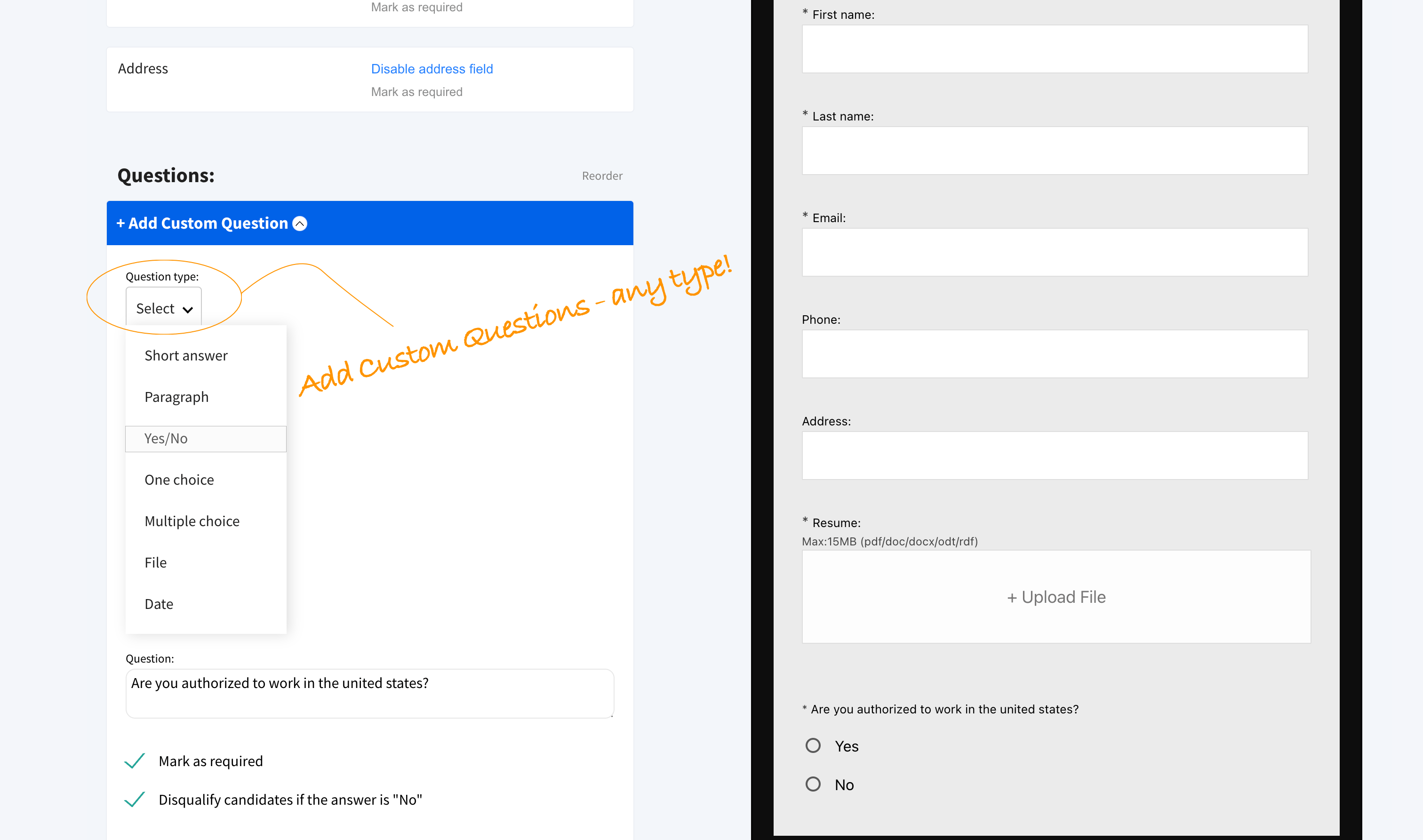
Use a branded destination for every job, then collect applications without sending people through a maze
Preview live site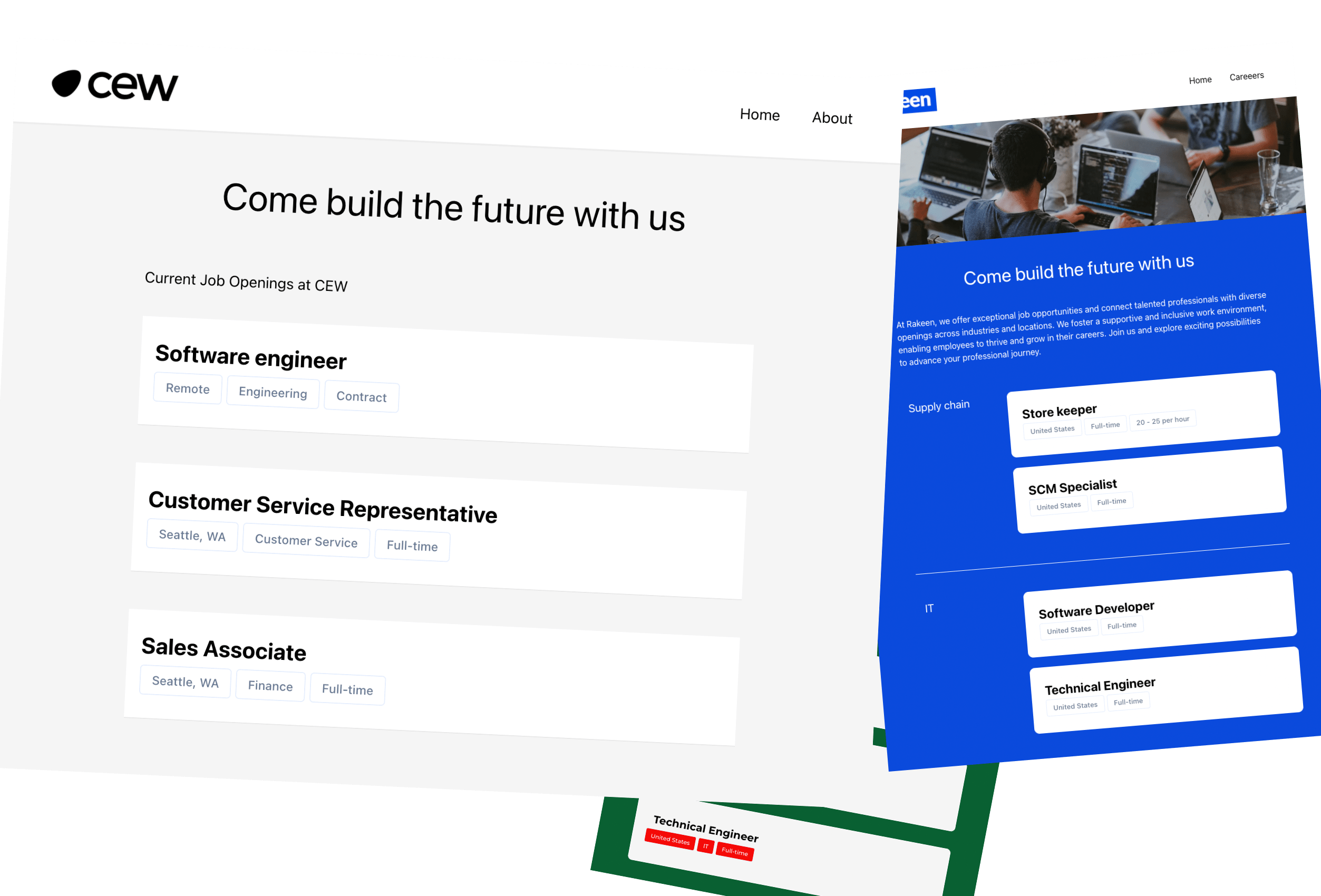 Open the live preview ↗
Team workspace
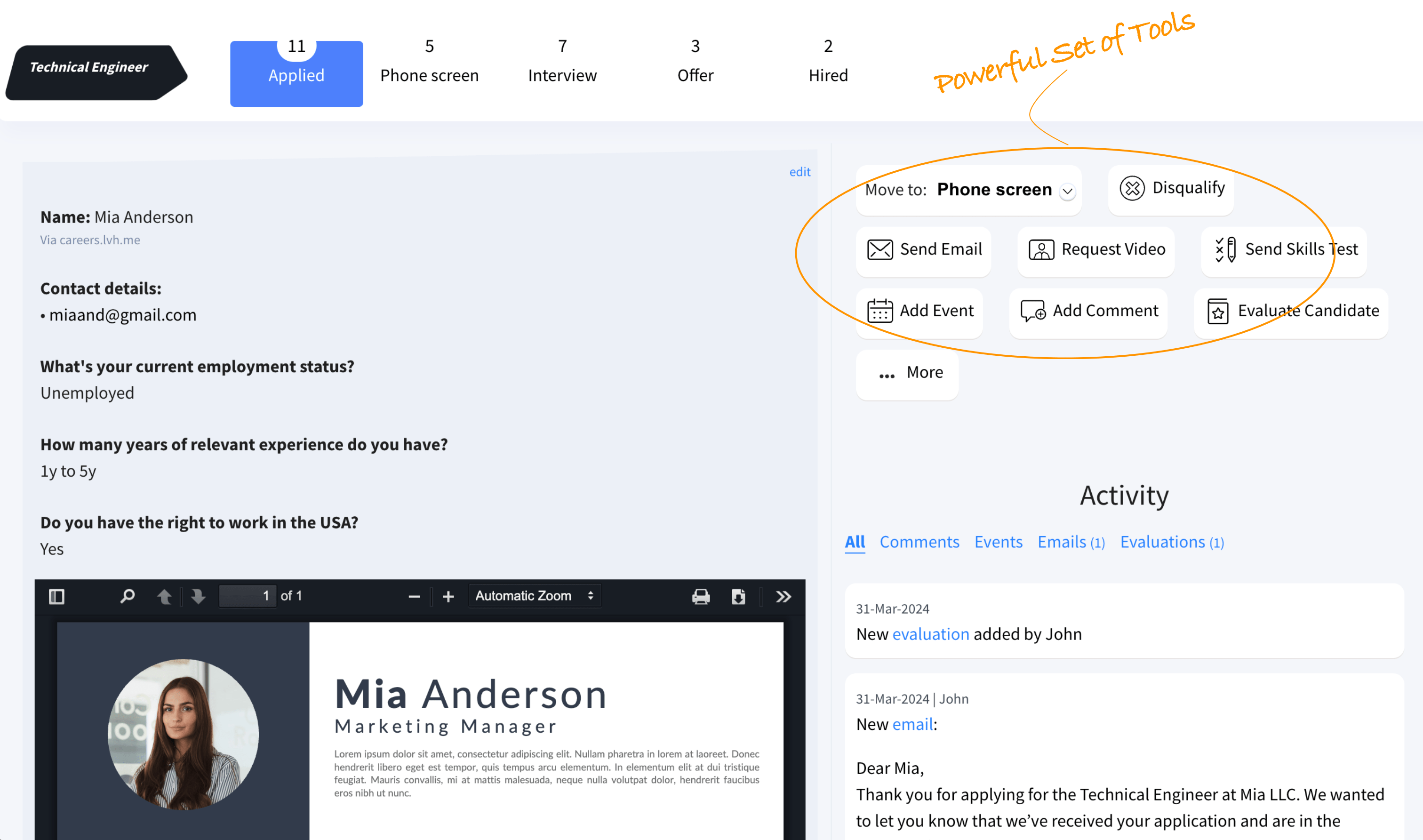
Every candidate, every decision, in one view
Try the actual product demo: switch stages, open an applicant, and explore the actions your hiring team uses